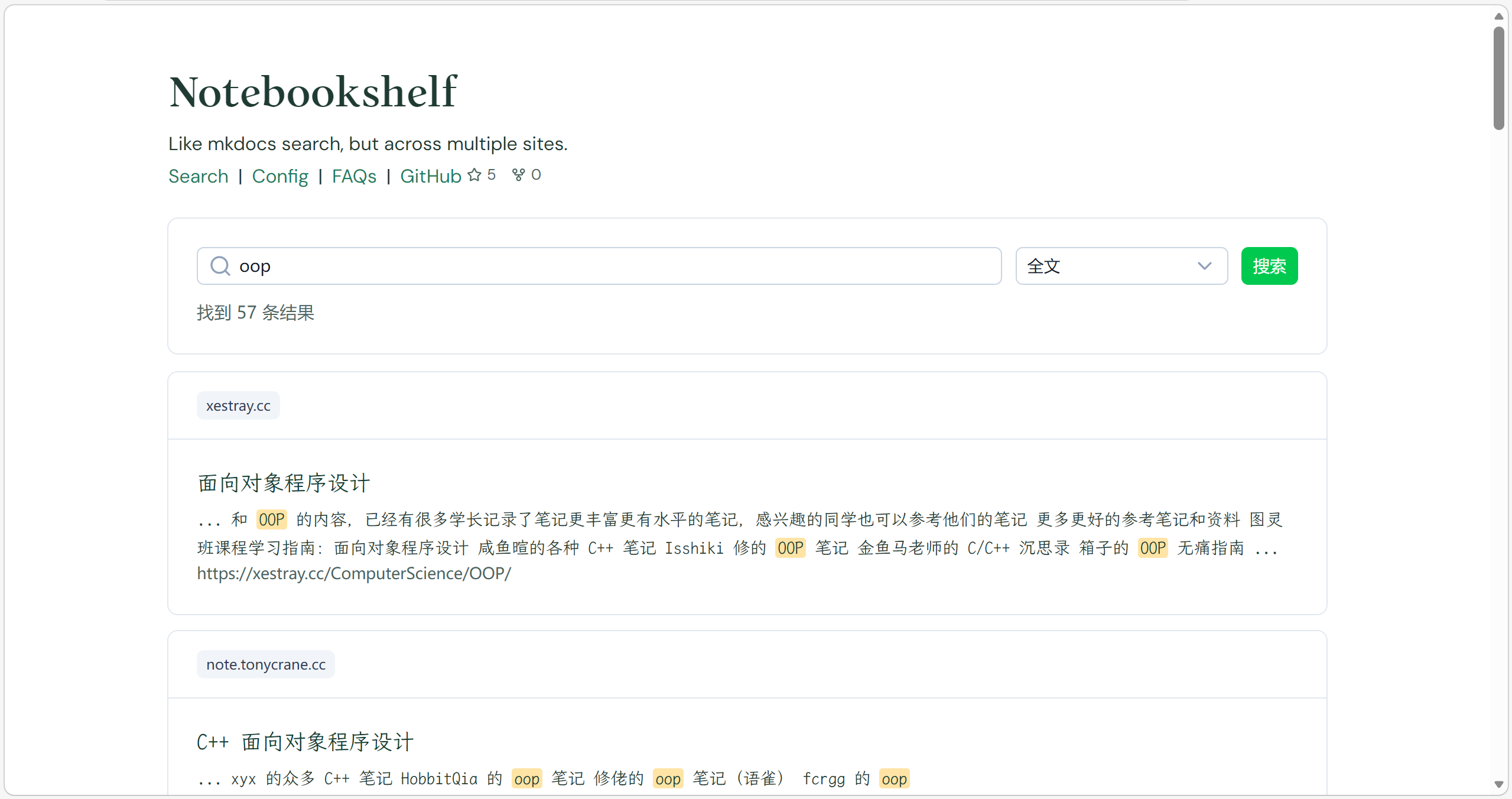
Notebook | bookshelf
Like mkdocs search, but across multiple sites.
Find multiple mkdocs sites, and want to search something, but don’t want to search them one by one? Notebookshelf is here to help you. It can index multiple mkdocs sites, and provide a unified search interface for you to search across all the indexed sites.
How to run (docker)
Clone the repository.
Configure which sites you want to index.
[!NOTE]
Each site should have asearch_index.jsonfile, which is generated by mkdocs with thesearchplugin.Usually if the site has a search box, it should have the
search_index.jsonfile by adding/search/search_index.jsonto the site URL. For example, if the site URL ishttps://example.com/docs/, then the search index file should be athttps://example.com/docs/search/search_index.json.1
cp config.example.yml config.ymlThen edit
config.ymlto add the paths to thesearch_index.jsonfiles of the sites you want to index.Then you can run Notebookshelf with Docker:
1 | |
- Open
http://localhost:8787in your browser, and you will see the search interface.
Run locally without Docker
For frontend:
1 | |
For backend:
1 | |
为什么想到做这个
阅读别人用Materials for MkDocs搭建的笔记,发现它的搜索功能只能搜索当前站点的内容(这很合理);但是,我们有很多笔记站点,由不同人搭建。要是网站右上角那个搜索框能够跨站点搜索就好了。
mkdocs search
是基于lunr.js的,原理是把所有文档的内容都打包成一个json文件,前端搜索的时候直接在这个json文件上进行搜索。
这个文件位于<site_dir>/search/search_index.json,初步观察只要网站是用mkdocs搭建的,就会有这个搜索框,就可以找到这个文件。
1 | |
首先是简短的config部分,随后就是docs,其中包含了所有文档的内容。每个文档包含location(URL),title和text(内容)。搜索的时候就是在这个text上进行搜索,找到匹配的文档,然后返回location和title。此外,目前看来他是根据小标题来分割的文档的,也就是说每个小标题下的内容会被当做一个独立的entry。